On this page
AI assistants such as ChatGPT and Claude have changed how many people work. Instead of building a report, you can ask a question in plain language and get an answer in seconds. For HR teams and managers, that is a big opportunity: questions about hours, workload and attendance can be answered without digging through spreadsheets.
But workforce data is sensitive. Using AI with it safely requires the right setup. Here is how to get the benefits without the risks.
What AI Assistants Are Good at for Workforce Reporting
AI assistants shine when the question is clear and the data is structured. For example:
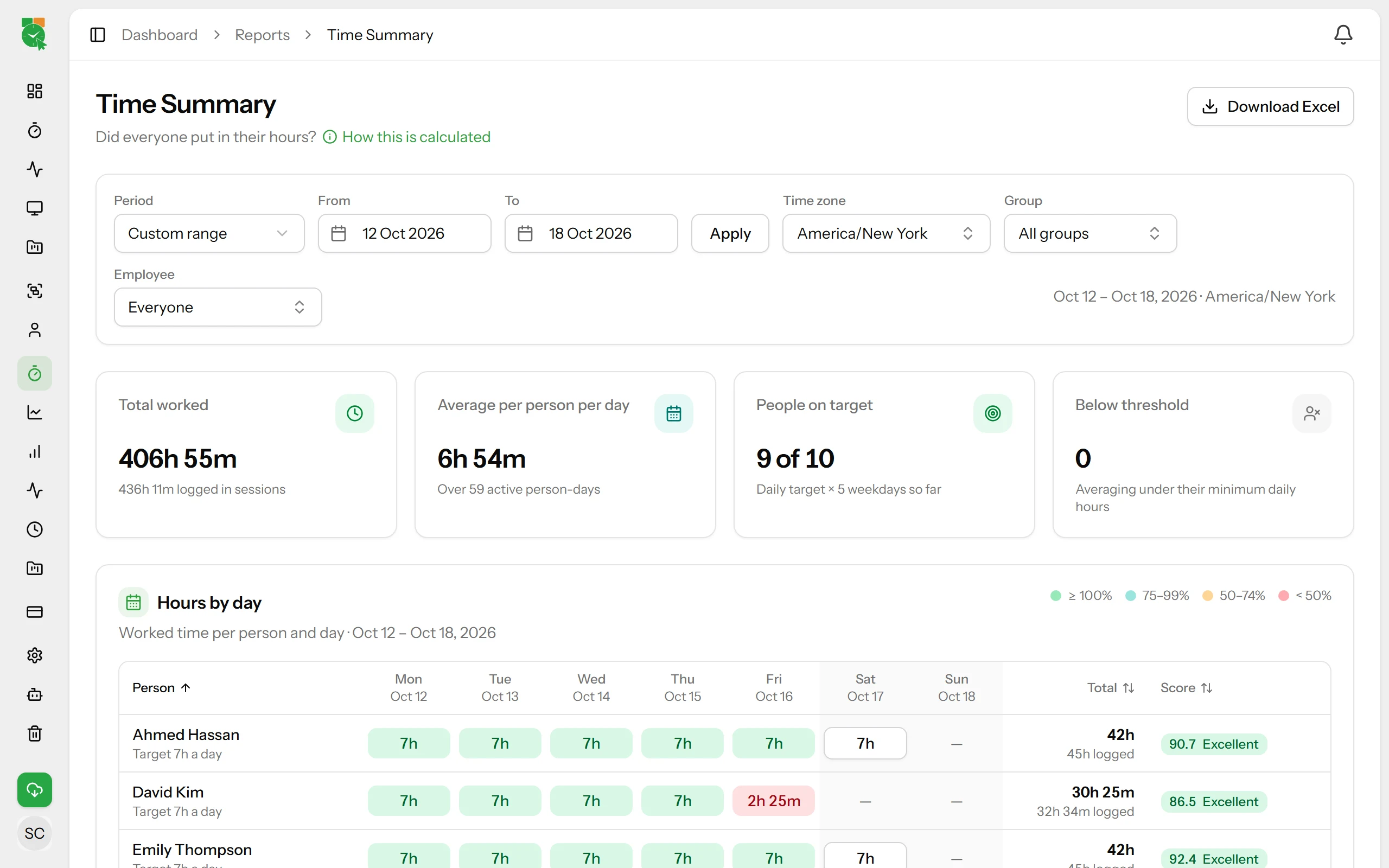
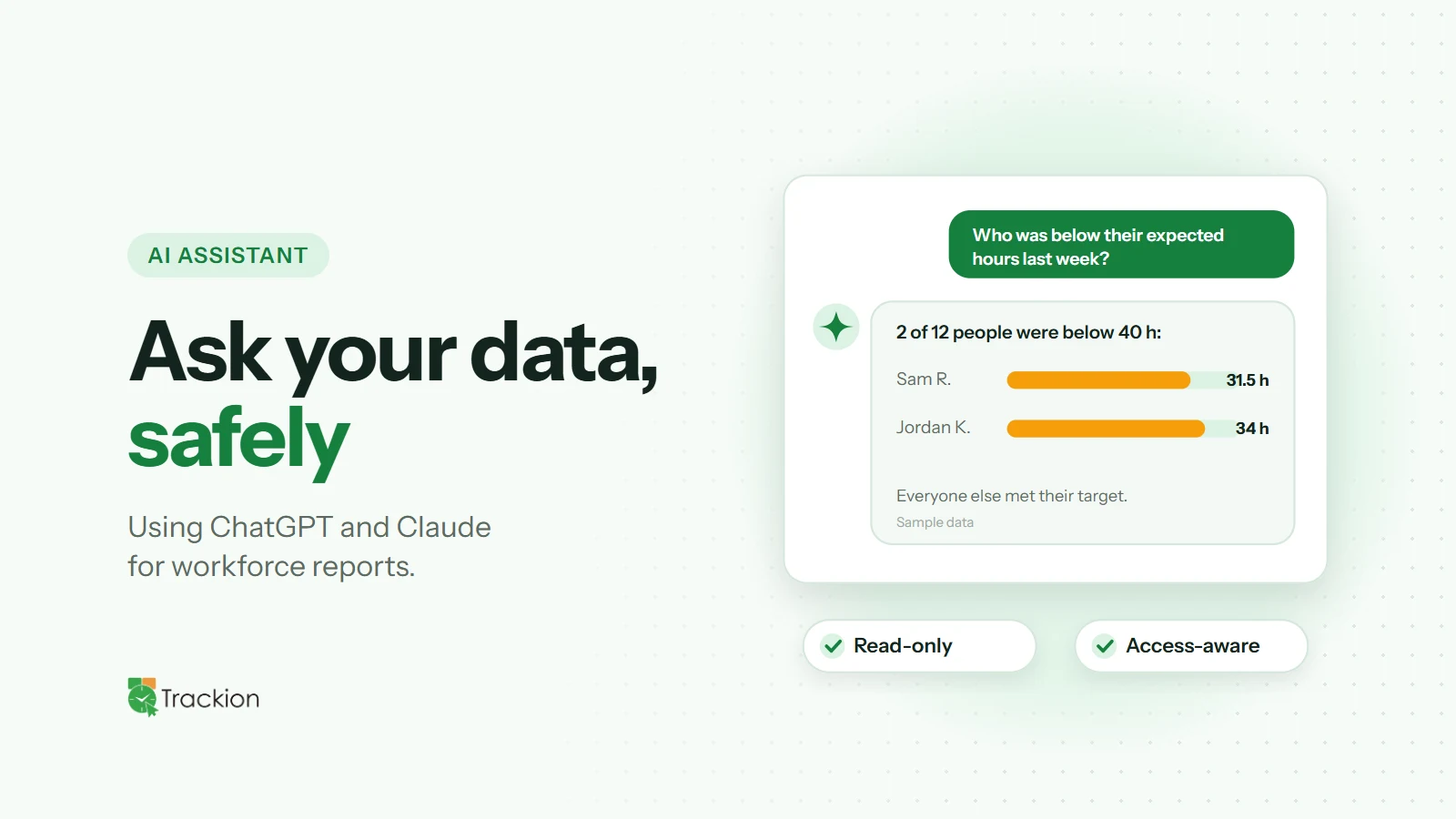
"Who was below their expected hours last week?"
"How did idle time change this month compared with last month?"
"Give me a weekly summary for the Support team."
"Which projects took the most time this quarter?"
Answers like these used to take several clicks, filters and exports. With AI, managers can get a quick overview and spend their time on the follow-up conversation instead.
The Risk: Copying Data Into Chat
The most common mistake is exporting a spreadsheet of employee data and pasting it into an AI chat. That creates several problems:
Sensitive data leaves your controlled systems, often without a record of who shared what
Access rules disappear: a manager can paste data about people they should not see
The data is a snapshot, so answers go out of date immediately
Principles for Using AI With Workforce Data Safely
1. Connect, Don't Copy
Instead of pasting exports, use an official integration that lets the AI app read reports directly from your workforce system. Data stays where it belongs and answers are based on live information.
2. Keep Access Read-Only
An AI assistant answering questions should never be able to change employee records, settings or time entries. Read-only access removes a whole category of risk.
3. Respect Existing Permissions
The AI should only see what the person asking can already see. A manager asking about "my team" should get answers about their team, and nobody else's.
4. Leave Out the Most Sensitive Data
Not everything needs to be available to AI. Screenshots and detailed window titles, for example, are better kept out of AI tools entirely.
5. Make It Opt-In and Logged
An administrator should decide whether AI access is enabled and which apps are allowed, and every request should be logged so you can review how it is used.
Use AI for Questions, Not Judgments
AI is excellent at summarising data and spotting patterns. It is not a substitute for context or human judgment. Use AI answers to decide where to look, then talk to people before drawing conclusions. This matters most for performance and wellbeing conversations. For more on that balance, see the role of AI in productivity monitoring.
How the Trackion AI Assistant Works
The Trackion AI Assistant connects Trackion to ChatGPT and Claude, so HR teams and managers can ask about hours, productivity, idle time and who is online in plain language. Answers come from live Trackion data.
It follows the principles above. Access is read-only: the AI app can read reports but never change employees, settings, projects or time records. An Org Admin turns it on and chooses the allowed apps, and only Org Admins and HR Managers can connect. Each person sees only the employees they can already see in Trackion, HR exclusions still apply, screenshots and window titles are never shared, and every request is logged.
Final Thoughts
AI assistants can make workforce reporting faster and more accessible, but only if they are connected safely. Connect instead of copying, keep access read-only, respect permissions and leave the most sensitive data out. Do that, and AI becomes a genuinely useful colleague for HR teams and managers.