On this page
When businesses compare employee monitoring tools, two terms often get mixed up: activity tracking and keystroke logging. They sound similar, but they are fundamentally different, and the difference has big consequences for employee privacy, trust and the amount of sensitive data your company ends up holding.
What Is Activity Tracking?
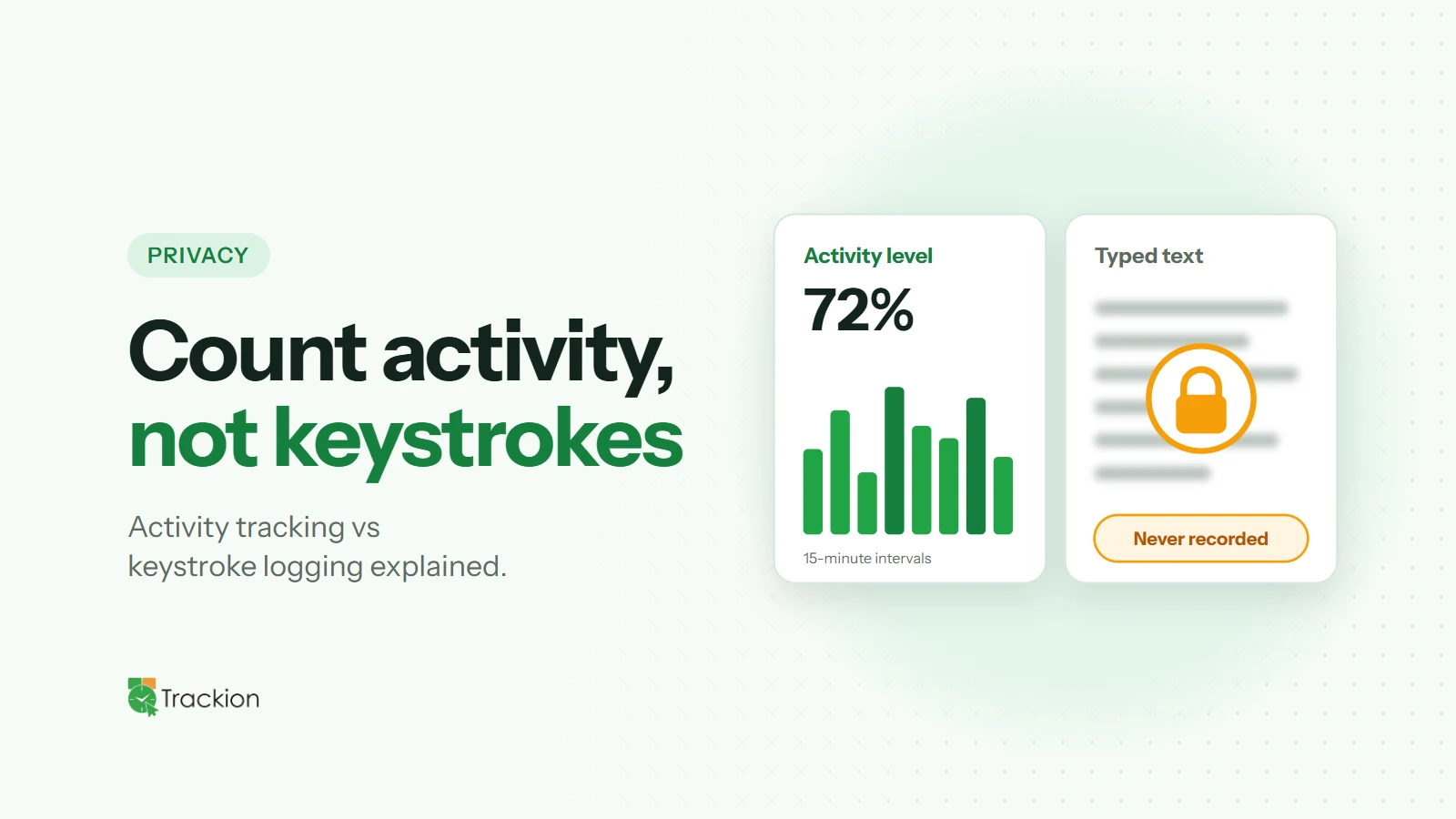
Activity tracking measures how much someone is using their keyboard and mouse, not what they are doing with them. A tool might count keystrokes and mouse clicks in a given period and turn that into an activity level, for example a percentage for each 15-minute block.
This shows whether a work session was active or idle and how intense the activity was, without capturing the content of anything typed.
What Is Keystroke Logging?
Keystroke logging records the actual keys pressed. In practice, that means capturing the text people type: emails, chat messages, documents, search queries and potentially passwords, personal messages and confidential information.
Some security-focused tools use keystroke logging for specific investigations or highly regulated environments. For everyday productivity management, it is usually far more than a business needs.
Why the Difference Matters
Privacy and Trust
Most employees accept that their employer wants to understand working time and engagement. Far fewer are comfortable with every word they type being recorded. Keystroke logging can make people feel watched rather than supported, which undermines the trust that productive teams depend on.
Data Risk
Every piece of data you collect is data you must protect. Keystroke logs can contain passwords, customer information, health details and private conversations. Storing that creates a significant security and compliance burden, and a serious problem if it is ever exposed.
Legal Considerations
Rules on workplace monitoring vary by country and region, and capturing the content of communications is often more tightly regulated than measuring activity levels. Collecting less data is generally the safer path. Always check local requirements with your advisers.
Usefulness
For productivity questions, such as who is overloaded, when focus time happens and where idle time is building up, activity levels give you what you need. Reading what people typed rarely adds useful insight and takes a lot of time to review.
Choosing the Right Approach
A good rule is to collect the minimum data that answers your actual question. If your goals are accurate hours, workload balance and engagement trends, activity tracking combined with time tracking is usually enough. Reserve more invasive methods for narrow, clearly justified security cases, and document them in your monitoring policy.
How to Explain Activity Tracking to Your Team
Be direct: "We measure how active a work session is, by counting keyboard and mouse input. We never record what you type." Show people their own activity data so they can see exactly what is captured. Transparency turns a potential worry into a non-issue.
How Trackion Measures Activity
Trackion uses activity tracking, not keystroke logging. It counts keyboard and mouse activity and turns it into an intensity score from 0 to 100% in 15-minute intervals, highlighting high-intensity bursts. It never records what anyone types.
Tracked time is split into productive time, with input, and idle time, without it, and the Activity Rhythm report shows how engagement changes through the day. Each organization's data is kept in its own separate database, with retention you control.
Final Thoughts
Activity tracking and keystroke logging answer very different questions. For most businesses, measuring activity levels gives all the insight needed to support productivity, without the privacy cost and data risk of recording what people type. Choose the approach that respects your team, and they will be far more likely to embrace it.