On this page
If your company uses time tracking or employee monitoring software, a written monitoring policy is one of the most important documents you can have. It tells employees what is collected and why, sets limits for managers, and gives everyone a shared reference when questions come up.
A good policy is short, specific and written in plain language. Below are the sections it should include, a simple outline you can adapt, and tips for rolling it out.
Note: monitoring rules differ between countries, states and industries. Use this article as a starting point and have your legal or HR advisers review your final policy.
Why a Monitoring Policy Matters
Without a policy, every team ends up with its own interpretation of what is acceptable. That leads to inconsistent decisions, misunderstandings and, often, a loss of trust. A clear policy protects both sides: employees know where the boundaries are, and the business can show it monitors for legitimate reasons and in a proportionate way.
1. Purpose
Start by explaining why monitoring is in place. Typical purposes include accurate payroll and billing, project and workload planning, security and compliance, and supporting remote and hybrid teams. Keep the list focused. Data should only be used for the purposes you name here.
2. Scope: Who and What Is Covered
State which employees, contractors and devices the policy applies to, and list exactly what is collected. For example: work session times, screenshots at a set interval, keyboard and mouse activity levels, idle time and the project being worked on. Just as importantly, list what is not collected, such as the content of what people type or activity outside working sessions.
3. When Monitoring Happens
Explain when data is recorded, for example only while the desktop app is running a work session, and how employees start and stop tracking. Clarity here prevents concerns about after-hours or personal time.
4. Who Can Access the Data
Describe which roles can see which information. A common model is that employees see their own data, managers see the people in their teams, HR sees the wider organization where needed, and administrators manage settings. Say whether access is logged and how access is reviewed.
5. How the Data Is Used
Explain how monitoring data feeds into decisions. Will it inform performance reviews, workload planning or client reports? Will it ever be used in disciplinary processes, and if so, under what safeguards? Being upfront here is far better than surprising people later.
6. Retention and Security
State how long each type of data is kept and how it is protected. Shorter retention periods for sensitive data, such as screenshots, reduce risk and show proportionality. Mention where data is stored and who is responsible for keeping it secure.
7. Employee Rights and Questions
Tell employees how they can view their own data, ask for corrections, raise concerns and who to contact. If employees are allowed to delete their own screenshots within a time window, say so here.
8. Acknowledgement and Review
Ask employees to confirm they have read the policy, and commit to reviewing it regularly, for example once a year or whenever you change tools or settings.
A Simple Policy Outline You Can Adapt
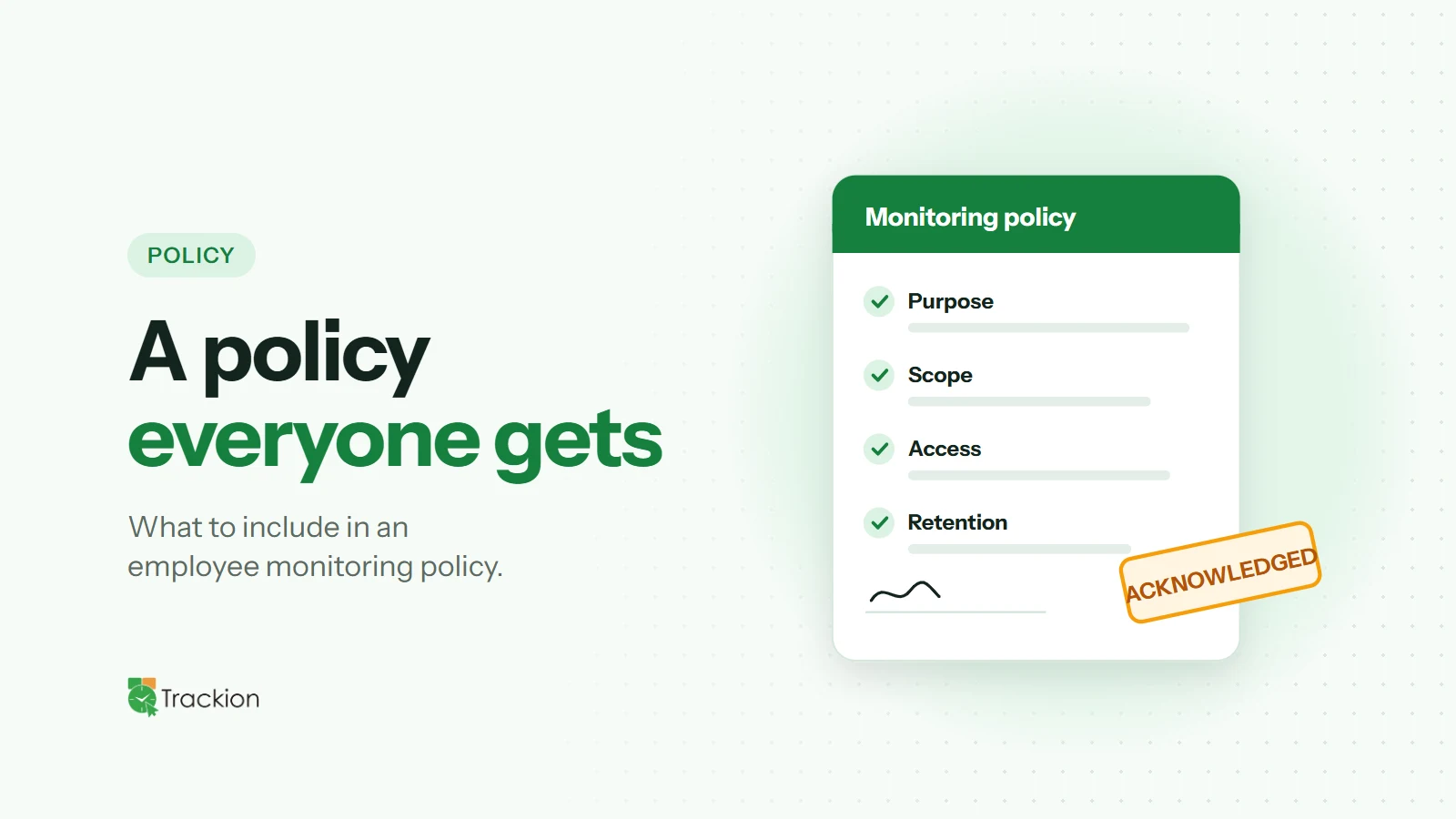
Purpose: why we monitor and the specific goals it supports
Scope: who is covered, which devices, what is and is not collected
Timing: when monitoring is active and how tracking starts and stops
Access: which roles can see which data
Use: how data informs decisions, and the limits on its use
Retention and security: how long data is kept and how it is protected
Employee rights: viewing, questions, corrections and contacts
Acknowledgement and review: sign-off and review schedule
Rolling the Policy Out
Share the policy before monitoring starts, not after. Walk through it in a team meeting, give people time to ask questions and publish an FAQ for common concerns. Then follow it consistently. A policy that is ignored in practice does more harm than having none. For a step-by-step rollout plan, see our guide on introducing time tracking without backlash.
How Trackion Makes Your Policy Easier to Follow
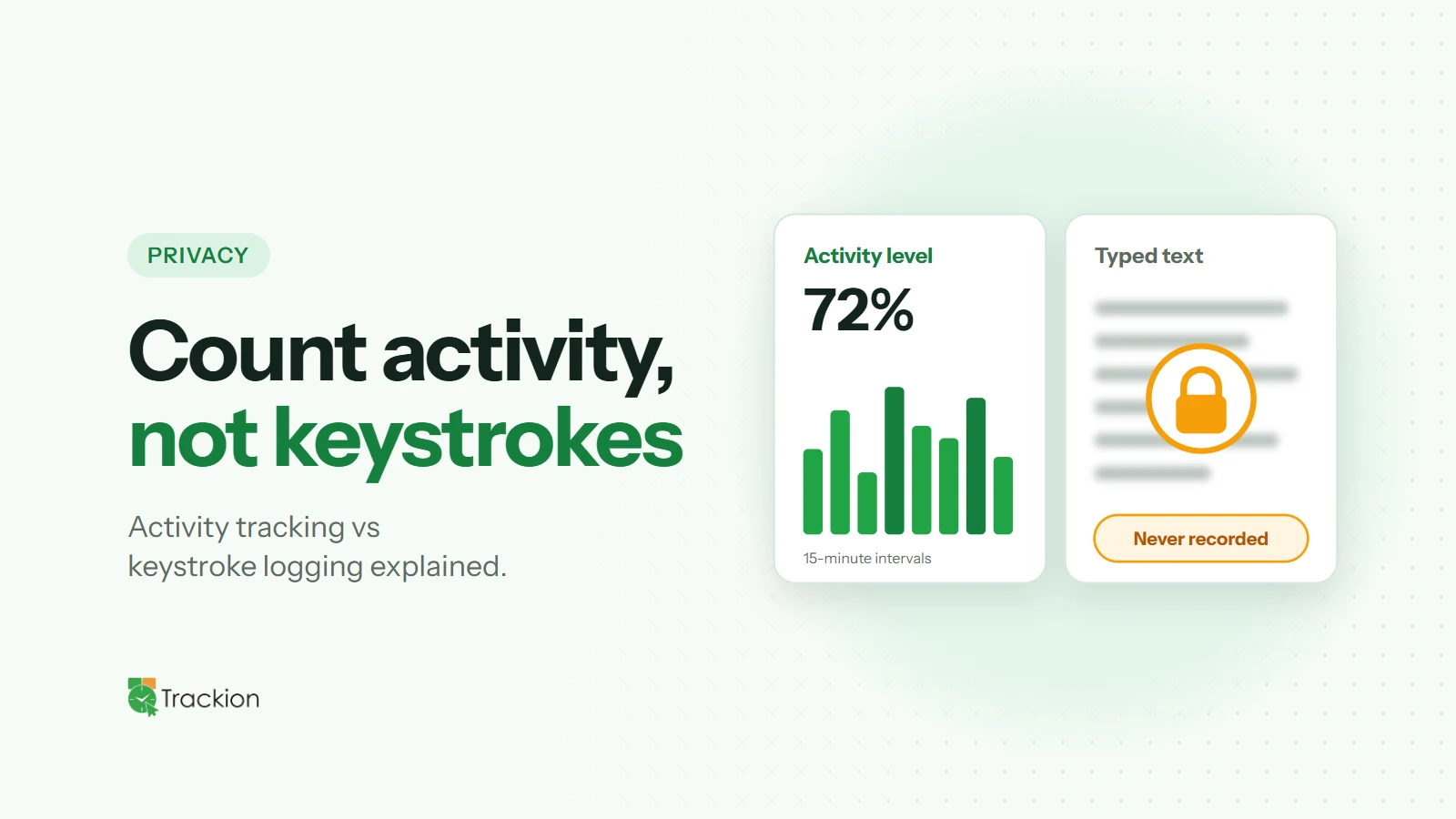
Trackion gives you the controls a good policy needs. You choose a screenshot interval of 3, 5 or 10 minutes, decide whether employees can delete their own screenshots, and set how long screenshots and activity data are kept. Activity is recorded as keyboard and mouse counts, never keystrokes.
Access follows four roles, Org Admin, HR Manager, Manager and Employee, with HR exclusions for sensitive cases, and each organization's data is kept in its own separate database.
Final Thoughts
An employee monitoring policy turns a potentially sensitive topic into a clear agreement. Define the purpose, be specific about scope, limit access and retention, and review it regularly. Your team will know what to expect, and your monitoring program will rest on trust rather than suspicion.