On this page
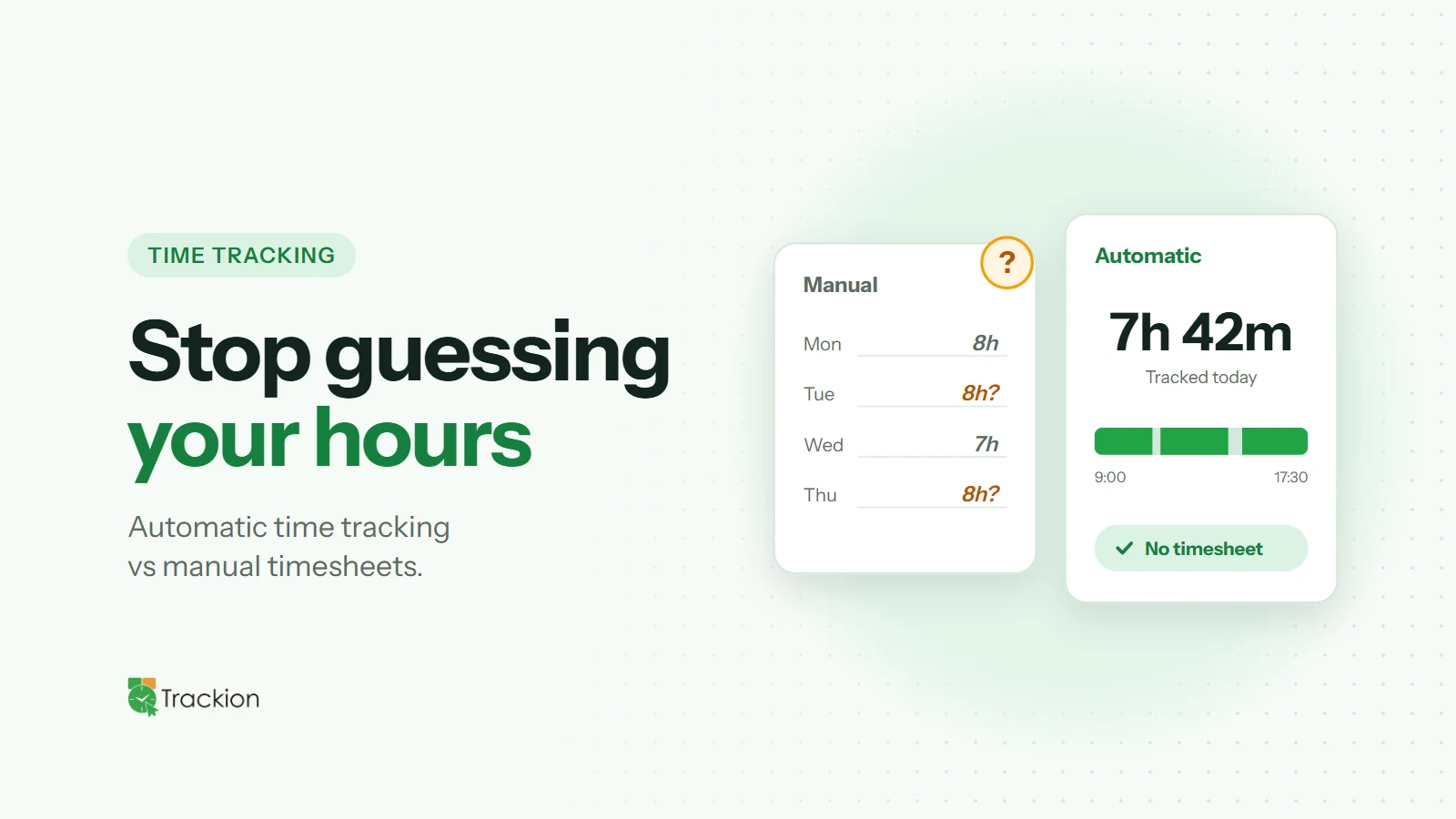
For years, the timesheet was the standard way to record work: at the end of the day or week, each person writes down what they worked on and for how long. It is simple and familiar, but it depends entirely on memory. Automatic time tracking takes a different approach, recording work as it happens.
So which one gives you more accurate data, and which is right for your team? Let's compare them on the things that matter most.
How Manual Timesheets Work
With manual timesheets, employees enter their hours themselves, either in a spreadsheet, a form or a timesheet app. Some fill them in daily, but many reconstruct their week on Friday afternoon from calendars, emails and memory.
That reconstruction is where problems creep in. Short tasks get forgotten, admin work gets folded into project time, and hours are rounded to tidy numbers. None of this is dishonest; it is simply how memory works.
How Automatic Time Tracking Works
Automatic time tracking uses a desktop app that records work sessions in the background. Start and end times are captured as they happen, along with signals such as keyboard and mouse activity and idle time. Instead of writing down what they did, people review a record that already exists.
Accuracy
This is the biggest difference. Manual timesheets are only as accurate as the person's recall, and accuracy usually drops the longer they wait to fill them in. Automatic tracking removes recall from the equation for start and end times, so the hours themselves are far more reliable.
Automatic tracking is not perfect, though. If someone forgets to switch projects, time can be assigned to the wrong client. A quick daily review fixes this, and it takes a fraction of the time of building a timesheet from scratch.
Admin Effort
Manual timesheets create work at both ends: employees spend time filling them in, and managers or payroll teams spend time chasing late submissions and correcting obvious mistakes. Automatic tracking removes most of that. Data is already there when payroll runs or a client report is due.
Billing and Payroll
For agencies, consultancies and service businesses, unrecorded time is lost revenue. For any business paying hourly staff, incorrect timesheets mean overpaying or underpaying. Automatic tracking captures time that would otherwise slip through the cracks and gives you a record you can stand behind if a client or employee questions it.
Insight Into How Work Happens
A timesheet tells you how many hours were logged. Automatic tracking can also show how the day unfolded: when people do their most focused work, how much time is idle, and how hours are spread across projects. That insight is valuable for planning, estimating and spotting overload early.
Trust and Privacy
Some teams worry that automatic tracking feels like surveillance. That concern is real and deserves a real answer: be transparent about what is recorded, let employees see their own data and limit access to those who need it. Done well, automatic tracking can actually reduce friction, because nobody has to defend their hours from memory.
Which Should You Choose?
Manual timesheets can work for very small teams with simple, predictable work. As soon as you bill clients by the hour, manage remote or hybrid staff, or need reliable data for planning, automatic tracking is usually the better choice.
If you are switching, run both side by side for a short pilot to compare results, then move fully to automatic tracking. Running two systems long-term just doubles the admin. Our guide to introducing time tracking covers the rollout in detail.
How Trackion Handles Automatic Time Tracking
Trackion's desktop app for Windows and macOS records work sessions automatically in the background, so nobody has to fill in timesheets. Employees choose the project they are working on, and time is split into productive time, with keyboard or mouse input, and idle time without it.
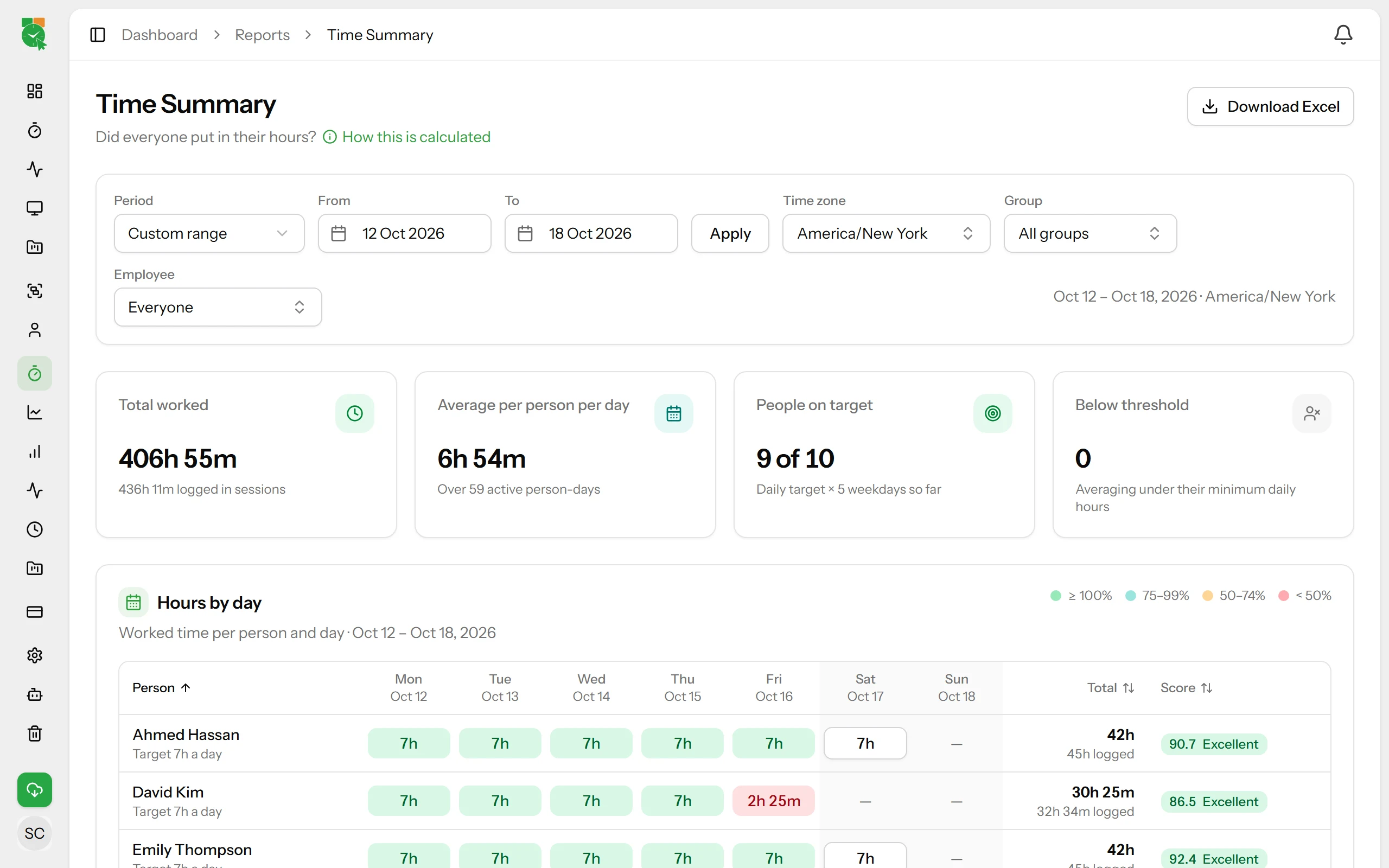
The Time Summary report shows weekly hours per person against their daily target, and every report can be exported to Excel for payroll or client billing.
Final Thoughts
Manual timesheets ask people to remember. Automatic time tracking lets them review. For most growing teams, that difference translates into more accurate hours, less admin and better insight into how work really gets done.